
Drupal 7 reached its end of life on 5 January 2025. Since then it gets no security fixes from the community, and every month there are more abandoned modules, more incompatibilities with new PHP versions and more risk. If your website still runs on Drupal 7, the question is no longer whether to migrate, but how to do it without losing content, Google rankings or features.
This is how we approach Drupal 7 to Drupal 10 or 11 migrations at Omitsis: what they really involve, the steps, where the risks are and what makes a project cost more or less.
Why it is a migration, not an upgrade
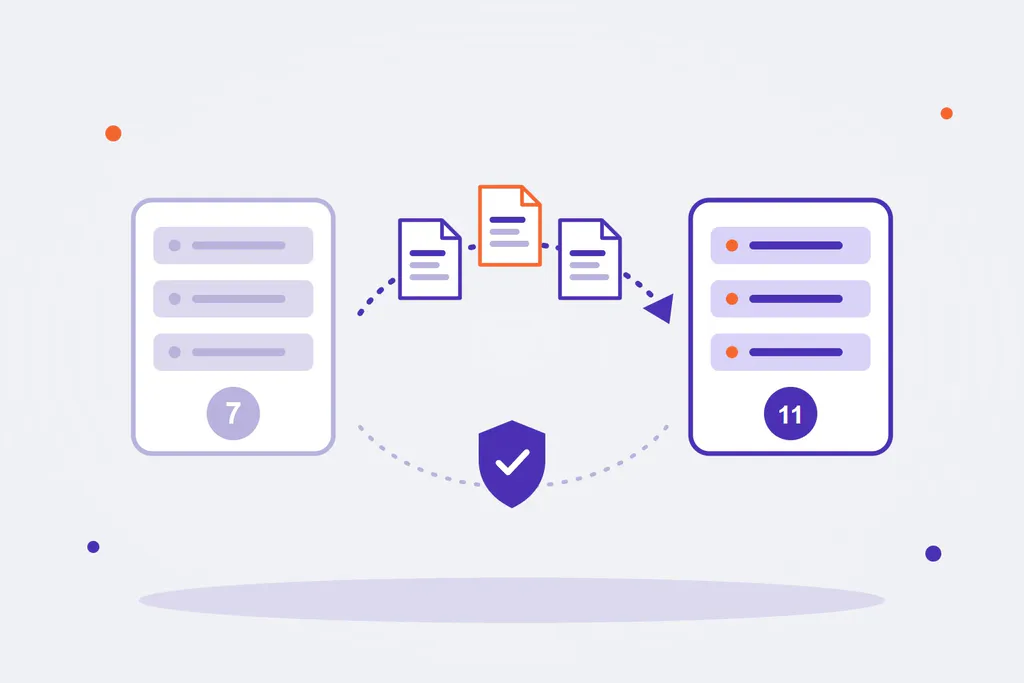
There is a complete change of architecture between Drupal 7 and the modern versions. Drupal 8 was rewritten on top of Symfony components, with object-oriented code, the Twig template engine and a new configuration system. Since then, going from Drupal 8 to 9, 9 to 10 or 10 to 11 is an upgrade: the code is updated, deprecated parts are fixed and the website stays the same.
Drupal 7 does not work that way. A new site is built on Drupal 10 or 11 and the content is migrated from the old one. That has three consequences:
- The theme has to be rebuilt: Drupal 7 templates (PHPTemplate) do not work in Twig.
- Custom modules have to be rewritten: the business logic can be reused, the code cannot.
- Contributed modules change: many have a modern version, others are now part of core (Views, CKEditor, Media) and some no longer exist and need a replacement.
The good news is that it is also the chance to clean up: content types nobody uses, duplicated fields, modules that are no longer needed and a design that has aged.
Drupal 10 or Drupal 11?
If you migrate today, go straight to Drupal 11. Drupal 10 and Drupal 11 are very similar in code, but Drupal 11 is the version with the longest road ahead: migrating to Drupal 10 would mean another upgrade shortly after. Staying on Drupal 10 only makes sense if an essential module is not compatible with Drupal 11 yet, and even then the jump from 10 to 11 is a simple upgrade, not another migration.
The steps of a Drupal 7 migration
- Audit of the current site. Inventory of content types, fields, taxonomies, views, users and roles, languages, contributed and custom modules, integrations with other systems and the volume of content and files.
- Module map. For each Drupal 7 module, what replaces it in Drupal 11: the same module in a modern version, a core feature, another module or custom development.
- New content model design. This is the moment to simplify and to move images and documents to Media, the media management in core.
- Building the new site: installation, configuration, theme and custom modules.
- Migration scripts with Drupal’s migration API (Migrate) and the Migrate Plus and Migrate Tools modules: content, users, taxonomies, files, translations and URL aliases. They are run as many times as needed until the result is right.
- Review and testing: content comparison between the old and the new site, functional tests, performance and accessibility.
- Redirect plan for every URL that changes.
- Go-live with a final migration of the most recent content and a support period afterwards.
If you want to see what these scripts look like, we have two practical guides: how to migrate content to modern Drupal from a CSV file and how to migrate files and images to a Media field.
The risks to keep under control
- Losing Google rankings. It is the most expensive risk and the easiest to avoid: keep the URLs that work, redirect every URL that changes to its equivalent with a 301 (never all of them to the home page) and review titles and descriptions before going live.
- Content that does not migrate cleanly: fields with old HTML, files that are no longer on the server, incomplete translations or broken references between content.
- Features nobody had documented: a calculation inside a custom module, data sent to a CRM, a report someone downloads every month. The audit has to find them.
- Freezing content for too long. With repeatable migration scripts, the editorial team can keep working on the old site until the last day.
What makes a migration cost more or less
There is no standard price, but the factors that matter most are always the same:
| Factor | Simpler | More complex |
|---|---|---|
| Content model | Few content types and fields | Dozens of types, shared fields and cross-references |
| Custom modules | None or simple logic | Significant business logic, integrations |
| Languages | One | Several, with content and interface translations |
| Design | The current one is reused | New design |
| Integrations | None | CRM, ERP, SSO, payment gateways, in-house APIs |
| Volume | Hundreds of items | Tens of thousands of items and files |
A simple corporate site can be migrated in a few weeks; a platform with integrations and many languages is a project of several months.
What if I don’t migrate yet?
There are temporary alternatives: paid extended support for Drupal 7 from private vendors, or forks such as Backdrop CMS. They buy time, but they do not solve the underlying problem: the Drupal 7 ecosystem is running out of maintained modules and of developers willing to work on it. If the website matters to your business, the sensible thing is to plan the migration calmly before a security issue forces it in a hurry.
Drupal migrations with Omitsis
We have been building with Drupal for more than fifteen years for public bodies, research centres and companies, in projects such as Kernpharma and AQUA España, and migrating sites from Drupal 7 to the modern versions is part of our everyday work. We do the audit, the development, the migration scripts and the redirect plan so you do not lose traffic. We can also join your team if you already have developers. If you are still running Drupal 7, tell us about your case or see how we work on our Drupal page.