
Almost every company has processes that eat up hours every week: reading documents and moving data from one system to another, writing reports that always look alike, answering questions whose answer is in some PDF, going through emails to decide where they should go. With today’s artificial intelligence many of these processes can be automated, and you do not need a big project to start.
What you do need is to understand each process well, because every automation is a world of its own and calls for a different approach. This is how we do it at Omitsis.
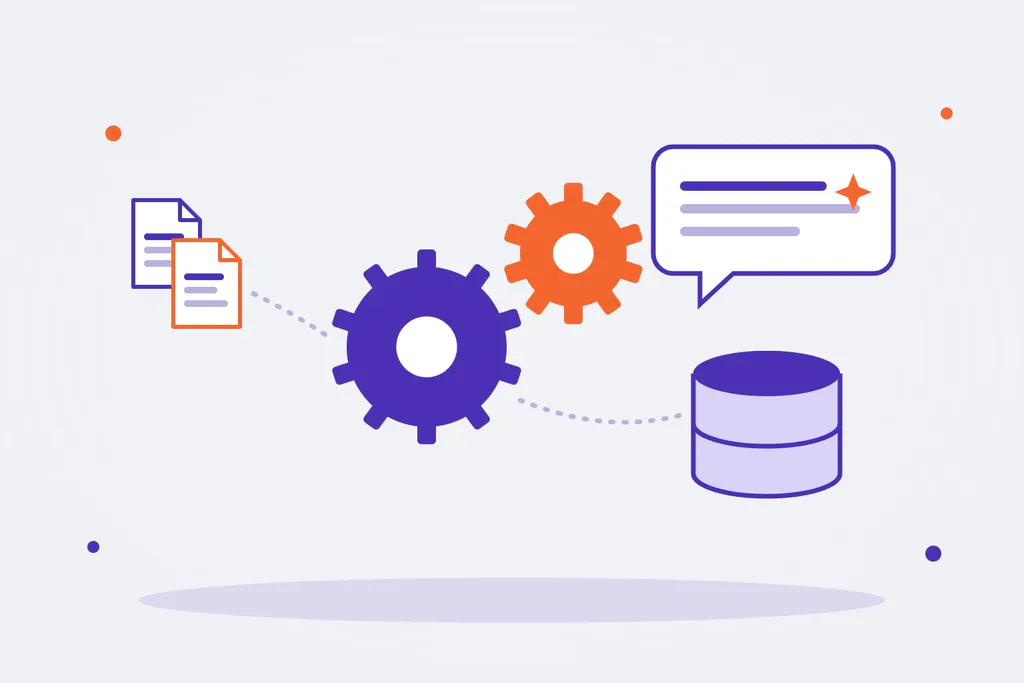
First, find the processes worth automating
We do not start with technology, but with people’s work. We sit down with the teams and look for tasks that meet three conditions:
- They take a lot of time: hours every week or days every month, again and again.
- They follow a pattern: even if they need human judgement, they can be described.
- The result can be checked: we know what a good result is and what an error is.
This review produces a list of opportunities ranked by impact and difficulty. Very often the most profitable one is not the flashiest.
Four ways to automate with AI
Depending on the process, the solution changes a lot. These are the four approaches we use most:
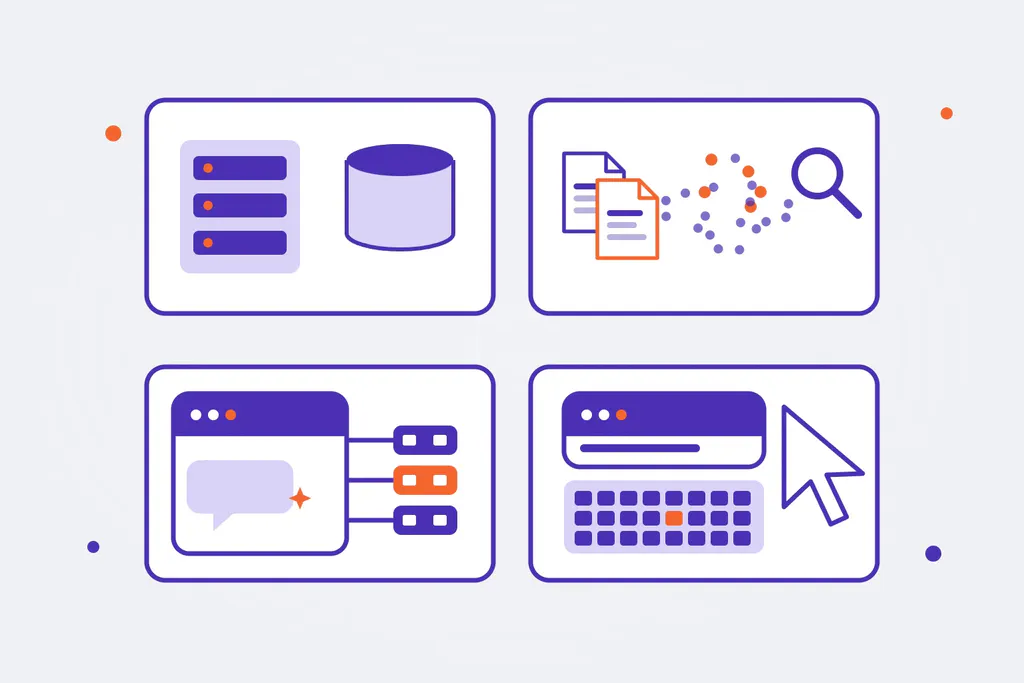
1. Custom applications with language models
When the process is part of the business and has to be integrated with the company’s systems, we build a dedicated application: a Nest.js back end with its own database that connects to the ERP, the CRM or the document management system and calls language models (LLMs) in the steps where text has to be understood or written. For example, to classify requests coming in through several channels, extract data from documents and record it in the right system, or prepare drafts that a person reviews and approves.
2. Search across company knowledge (RAG)
When knowledge is spread across documents, manuals, contracts or archives, we vectorise it: we turn the information into representations that allow searching by meaning and not just by words. On top of that, a language model answers questions or drafts documents and cites the source. It is useful for customer service, internal support, technical departments or sales teams who need to find the right answer without reading a hundred pages.
3. An AI setup connected to your tools (MCP)
Sometimes there is no need to build an application: it is enough to give the team a well-configured AI assistant, such as Claude Desktop or OpenAI, connected to the tools they already use through MCP (Model Context Protocol), the standard that lets AI read from and act on other systems. We use the MCP connectors that already exist and, when there is none for a given system, we build it ourselves. With this, tasks that used to take weeks (combining data from several sources, preparing analyses, generating documentation) are done in hours.
4. Mouse and keyboard control for repetitive tasks
Some processes depend on legacy software without an API, third-party websites or desktop applications. In these cases, AI can use the computer the way a person would: read the screen, move the mouse, type and click. We apply it to repetitive, well-defined tasks, always with supervision and a log of what has been done.
How an automation gets started
- Diagnosis: interviews, measuring the current time spent and choosing the process.
- Proof of concept with real data and clear success criteria: time saved, share of cases solved without intervention, and errors.
- Integration with the company’s systems, permissions and data security.
- Go-live with human supervision: at first the AI proposes and a person validates.
- Measurement and continuous improvement: the cases that fail feed the improvements.
Things to keep in mind
- Data. You need to decide which information can leave the company, which model is used and on what terms, and comply with the GDPR.
- Supervision. Language models make mistakes. A good design puts a person at the points where an error is expensive.
- Maintenance. Models, APIs and processes change; an automation needs follow-up like any other software.
- Expectations. AI does not replace a team: it takes the mechanical tasks off its hands so it can focus on what adds value.
AI automation at Omitsis
We combine what we know about software development, integrations and data with hands-on experience with language models. We find the processes with the most potential, choose the right approach for each one and implement it end to end. If you want to know more about the role of whoever designs these solutions, read what an AI architect is and what AI agents are. See our AI solutions or tell us which process takes up most of your time.