
Drupal and WordPress are the two most widely used open-source content management systems for professional websites, and both are good tools. The useful question is not which one is better, but which one fits your project: the kind of content, who will edit it, how many languages, which integrations and how much it has to grow.
At Omitsis we have been building with both for more than ten years, so we have no favourite to sell. This is the comparison we make when a client asks us.
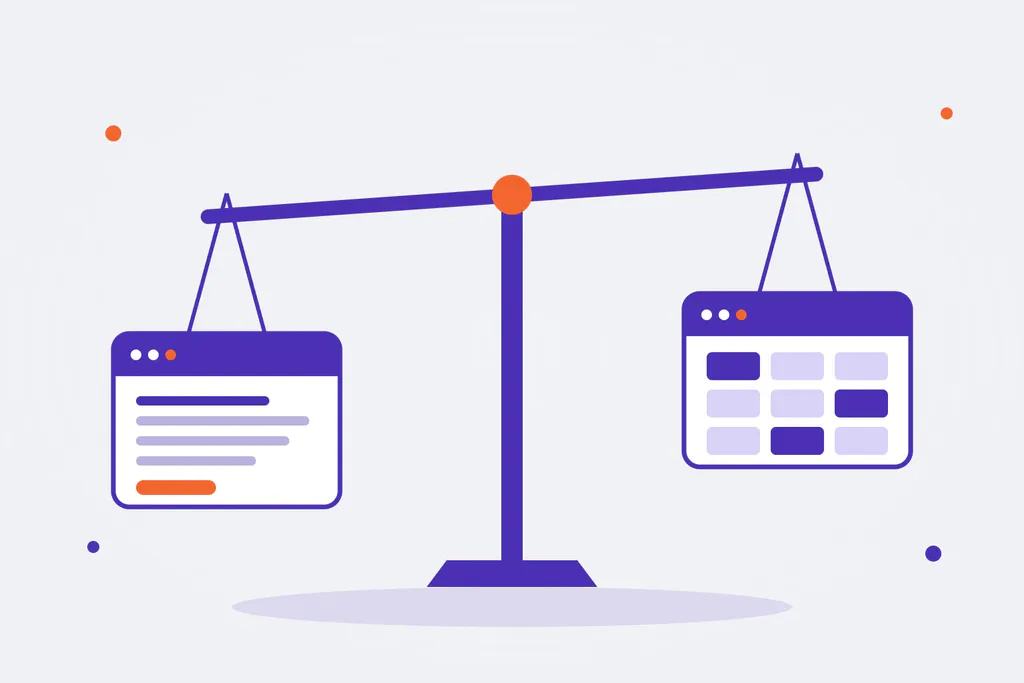
The core difference
WordPress started as a blogging tool and has grown to power a huge share of the web. Its strength is ease of use: a very comfortable block editor, thousands of themes and plugins and a gentle learning curve. It is ideal when the content is mostly pages and articles.
Drupal started as a system for building sites with structured content. Its strength is architecture: content types with fields, relationships between content, very fine-grained permissions, multilingual in core and a complete API. It is ideal when the content has structure, rules and many people working on it.
Side-by-side comparison
| WordPress | Drupal | |
|---|---|---|
| Content editing | Very easy and intuitive (block editor) | Powerful and configurable; more training at first |
| Content model | Posts, pages and custom types with plugins | Content types, fields and relationships in core |
| Users and permissions | Simple roles | Very granular roles and permissions, editorial workflows |
| Multilingual | With plugins (WPML, Polylang) | In core, for content and interface |
| Security | Good if maintained; the risk is usually in plugins | Very strict security team, reviewed modules |
| Headless / API | REST API in core | JSON:API in core, GraphQL with modules |
| Scalability | Very good with the right architecture and caching | Very good, designed for large and complex sites |
| Initial cost | Lower | Higher |
| Available talent | A lot | Less, more specialised |
When to choose WordPress
- Corporate websites, blogs, media and online stores with WooCommerce.
- Small teams that want to edit without depending on anyone.
- Projects that need to launch fast on a tight budget.
- When the content is mostly pages and articles, without complex relationships.
Some of our examples: digital newspapers such as Newtral, training platforms with LearnDash and town hall websites.
When to choose Drupal
- Institutional portals, universities, research centres and public administrations.
- Sites with a lot of structured content: catalogues, records, documentation, public databases.
- Several languages, several sites from one code base, or many editors with different permissions.
- Projects that integrate the CMS with other systems or use it as the back end of apps and React front ends (headless), as we did for SSTool.
- Sectors with security and traceability requirements, such as pharma.
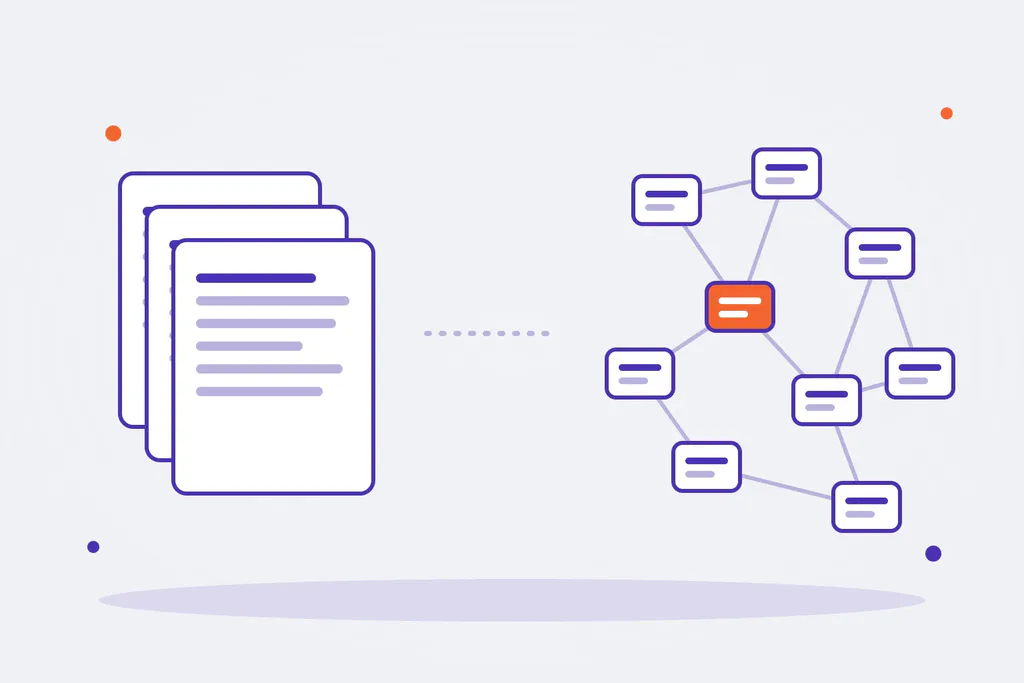
What has changed in recent years
- Drupal has become friendlier. Since January 2025 there is Drupal CMS, a ready-to-use version of Drupal aimed at marketing teams, with configuration recipes and simpler editing tools. The gap with WordPress in ease of use is smaller than a few years ago.
- WordPress has become more powerful. The block editor and full site editing let you build complex websites without code, and the REST API makes it viable as a back end.
- Both are increasingly used headless, with the front end in React, Next.js or other technologies.
Cost: what the initial quote does not show
WordPress is usually cheaper to start with. But on large projects the bill can grow with paid plugins, conflicts between them and custom work to cover what core does not do. Drupal asks for more investment at the start and more specialised developers, but on complex sites it pays off with fewer external dependencies and an architecture that copes better with growth. In both cases, maintenance is not optional.
Our recommendation
If in doubt, start with the questions: how many different content types do you have? How many people edit them, and with what permissions? How many languages? Which systems does it need to talk to? If the answers are “few, few, one and none”, WordPress. If they are “many, many, several and quite a few”, Drupal.
We work with both and help you decide with your case in front of us. See our Drupal and WordPress pages or tell us about your project.