
When a Magento store starts selling in earnest, the same problem always appears: the catalogue, stock and prices live in the ERP, orders come in through the website, and someone ends up copying data from one system to the other. At first it is an hour a day; with a few hundred orders a week, it means stock errors, prices that do not match and invoices that go out late.
Integrating Magento (or Adobe Commerce) with the ERP solves this: each piece of data has one system in charge and the others receive it automatically. At Omitsis we have integrated Magento with Microsoft Dynamics (Navision and Business Central), with SAP, with Odoo and with other ERPs that expose an API. This is what we have learned.
Which data is synchronised, and in which direction
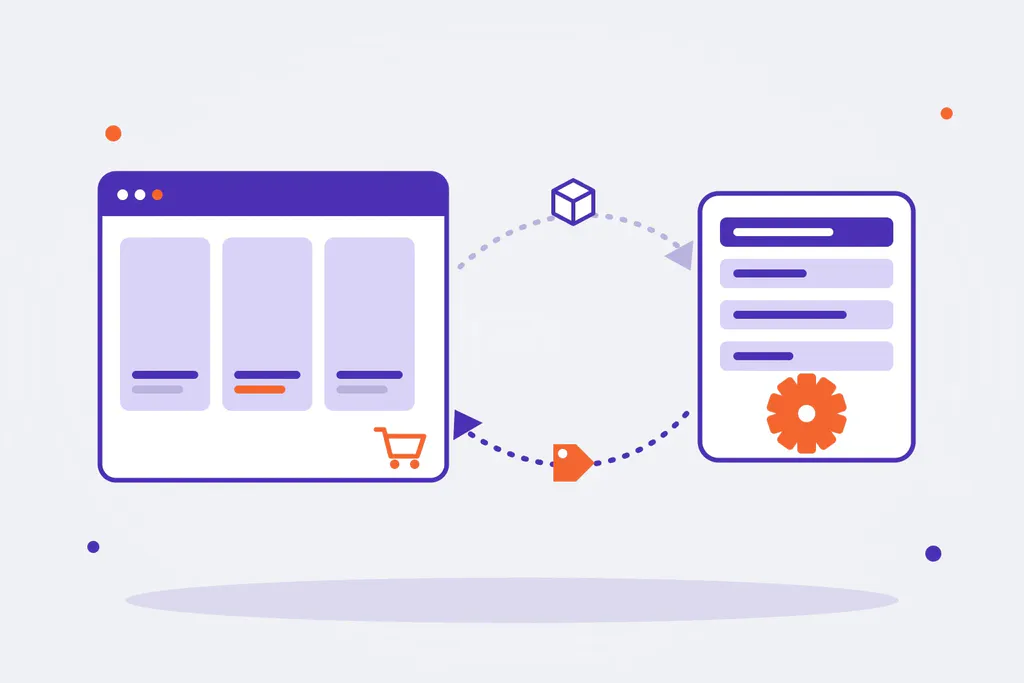
The first decision is not technical: it is deciding which system owns each piece of data. If two systems can change the same thing, sooner or later they overwrite each other.
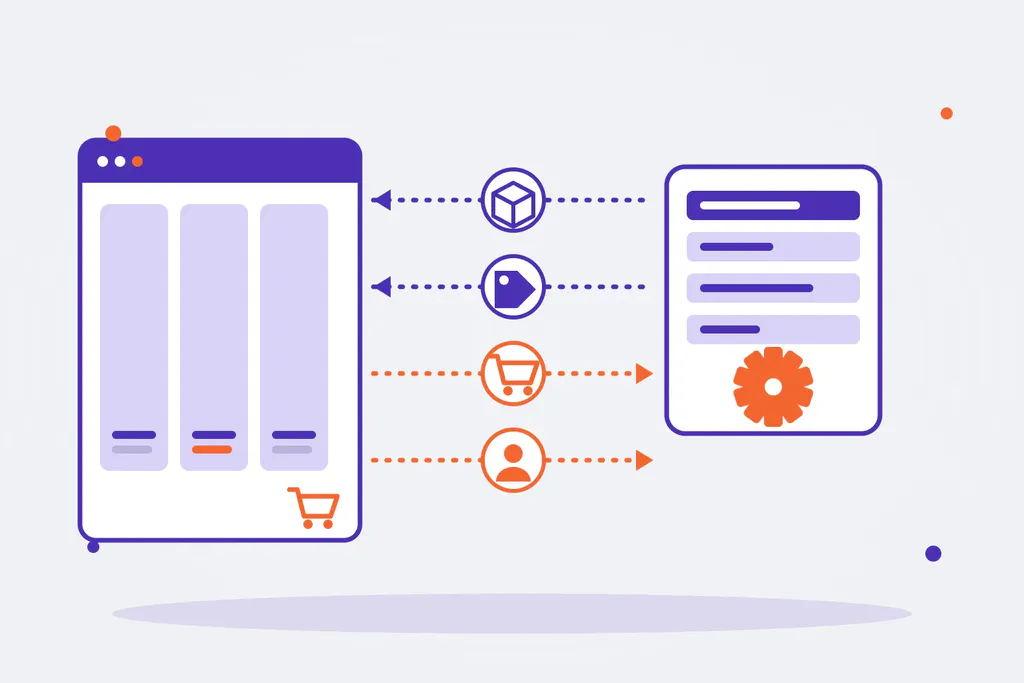
| Data | Usual owner | Direction | Typical frequency |
|---|---|---|---|
| Products and basic attributes | ERP (or PIM) | ERP → Magento | Every few minutes or hours |
| Commercial content (copy, photos, SEO) | Magento or PIM | Stays in Magento | Not synced |
| Stock | ERP | ERP → Magento | Close to real time |
| Prices and customer price lists | ERP | ERP → Magento | When they change |
| Orders | Magento | Magento → ERP | When payment is confirmed |
| Customers | Magento (B2C) or ERP (B2B) | Depends on the model | When created or changed |
| Order status, shipments and invoices | ERP | ERP → Magento | When they change |
In B2B the ERP usually also owns the customers, their payment terms, their credit limit and their special prices. In B2C, the customer is created in the store.
Three ways to integrate Magento with an ERP
- Off-the-shelf connector. There are extensions that connect Magento with the best-known ERPs. They are the fastest route if the process is standard, but they fall short as soon as there are complex price lists, several warehouses or business-specific fields, and every Magento or ERP update can break them.
- Integration platform (middleware or iPaaS). An intermediate layer that receives data from one side, transforms it and sends it to the other. It brings order and traceability when there are several systems (ERP, PIM, CRM, logistics), at the cost of one more piece to maintain and, often, one more licence.
- Custom integration. A dedicated service that talks to the Magento API (REST or GraphQL, plus the asynchronous bulk operations for large loads) and to the ERP API, with queues and retries. It is the option we choose most often in medium and large projects: it fits the real process and does not depend on third parties for every change.
There is no single answer. For a simple catalogue and a widely used ERP, a good connector may be enough. When the business has its own rules, a custom integration ends up cheaper in the medium term.
The most common ERPs
- Microsoft Dynamics 365 Business Central (and Navision). Business Central exposes REST and OData APIs; older Navision installations often mean working with SOAP web services or an intermediate layer. It is the case we see most often in mid-sized companies.
- SAP. In SAP Business One, the Service Layer lets you read and write data through an API. With SAP S/4HANA and ECC the work goes through OData or IDocs, usually together with the client’s SAP team, who decide what can be touched.
- Odoo. It offers an external API (XML-RPC and JSON-RPC) with access to almost every model. Because it is so configurable, the key is understanding how each client has set up products, variants and price lists.
- Other ERPs with an API. If the ERP has a documented API, or at least a well-defined database or exchange files, it can be integrated. What changes is the effort.
What an integration that works looks like
- Queues and retries. If the ERP does not respond for a few minutes, the order is not lost: it stays in the queue and is retried.
- Idempotent operations. Sending the same order twice must not create two orders in the ERP. Every message carries its own identifier.
- Incremental sync. Only what has changed travels. Reloading the whole catalogue every hour overloads both systems.
- One code per product. The SKU must be the same in Magento and in the ERP, variants included. It is the most common source of errors.
- Logs and alerts. Every sync leaves a trace, and if something fails someone finds out before the customer does.
- Taxes and rounding. Order totals must match what the ERP calculates to the cent, or the accounts will not add up.
The mistakes we see most
- Wanting everything in real time. Stock, yes; product copy, no.
- Not deciding who owns each piece of data, and ending up with changes that overwrite each other.
- Integrating without an ERP test environment and finding the problems in production.
- Forgetting returns, partial orders and cancellations.
- Leaving the integration without maintenance: every Magento or ERP update has to be tested.
The steps of an integration project
- Data and process map: which data, who owns it, in which direction and how often.
- Review of the Magento and ERP APIs, and of the test environments available.
- Integration design: connector, middleware or custom service, queues, errors and alerts.
- Development and testing with real data in a test environment, edge cases included.
- Initial load of the catalogue, customers and stock.
- Go-live and a monitoring period, then maintenance.
Magento integrations with Omitsis
We have been building Magento and Adobe Commerce stores, B2C and B2B, for more than fifteen years, and connecting them to the ERP, the PIM, the CRM or logistics is part of almost every project. If you are thinking about connecting your store to your ERP, or the integration you have keeps causing problems, tell us about it. See how we work on our Magento and e-commerce pages, and read our guides on Magento SEO and on the pros and cons of Magento.