
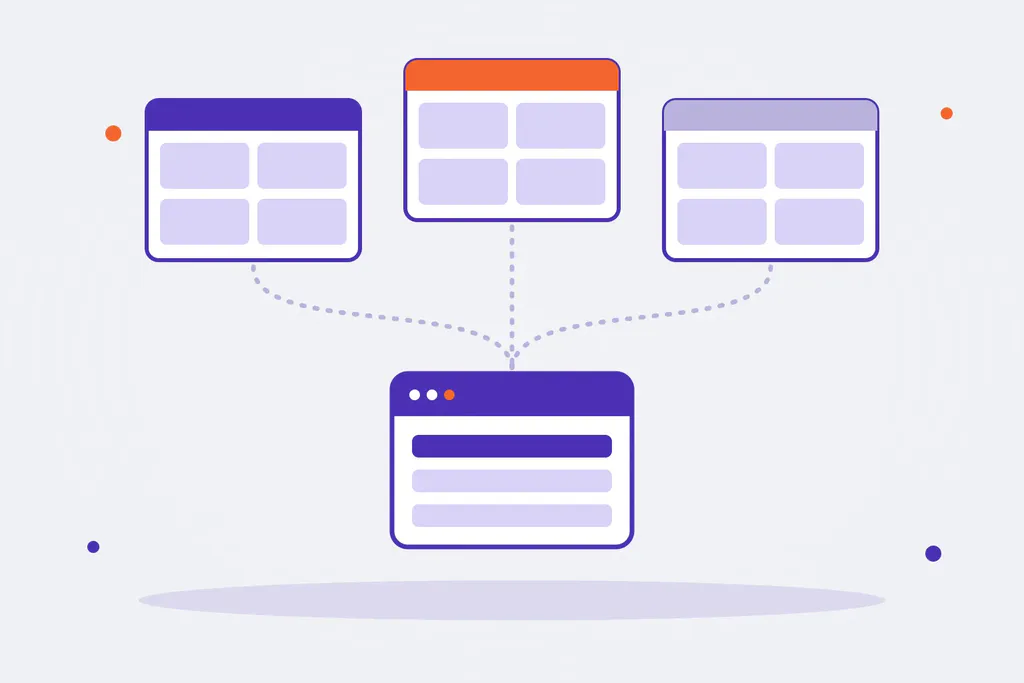
One company with several online stores: one per country, one per brand, one for trade customers and another for consumers. Magento (and Adobe Commerce) is built for this: a single installation can run several stores, each with its own domain, language, prices and catalogue, while products, orders and customers are managed from one admin.
The key to making it work is choosing the right structure at the start. Changing it once the store is selling is expensive.
Magento’s four levels
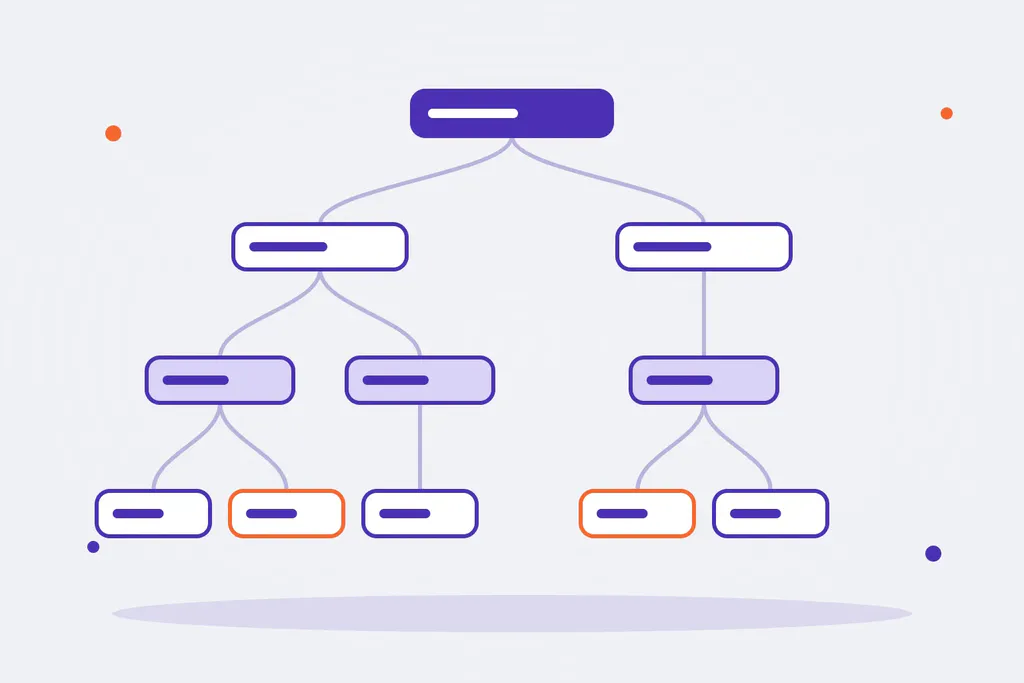
Magento organises stores in a four-level hierarchy. Almost every decision in a multi-store project comes down to deciding at which level each thing lives.
| Level | What it is | What it can have of its own |
|---|---|---|
| Global | The whole installation | Products and attributes exist here; anything configured at this level applies everywhere |
| Website | A store with its own business | Customers (if split per website), prices and base currency, payment and shipping methods, assigned stock, domain |
| Store | A catalogue inside the website | Its root category: the category tree the customer sees |
| Store view | A presentation of the store | Language, translated product and category copy, each product’s URL, displayed currency, design |
They are created under Stores > All Stores, and from then on every configuration setting and every product field has a scope switcher that says at which level it applies.
Which structure to choose
| Situation | Usual structure |
|---|---|
| One store in several languages, same country and same prices | One website, one store and one store view per language |
| Several countries with different prices, currency or taxes | One website per country (or per price zone), with its store views per language |
| Several brands with different catalogues, same business | One store per brand (each with its root category), or one website per brand if prices, customers or payments also change |
| B2B and B2C at once | Usually one website for each, with their own customer groups and prices |
Two rules that save trouble:
- One store view per language, not per country, if prices and terms are the same. Every store view multiplies translations, URLs and indexing work.
- A website only when the business changes: prices, currency, customers, payments or stock. If only the language or the design changes, a store view is enough.
What to configure at each level
- Price scope. Under Stores > Configuration > Catalog > Catalog > Price, the scope can be global or per website. If each country has its own prices, it has to be per website. Prices cannot change per store view.
- Customer accounts. Under Stores > Configuration > Customers > Customer Configuration > Account Sharing Options, accounts can be global (one customer buys in every store with the same account) or per website.
- Currency. The base currency is set per website when prices are per website; the displayed currency can be chosen per store view, with exchange rates.
- Stock. With Inventory (MSI), each stock is assigned to one or more websites, and each stock groups the sources that serve it.
- Payments, shipping and taxes. Configured per website; taxes also with rules per country.
- Copy and URLs. The name, description and URL key of each product and category are translated in each store view.
Domains and URLs
Each website can have its own domain (store.co.uk, store.fr) and each store view its own path or subdomain. There are two usual setups:
- One domain per website. The web server tells Magento which website to load for each domain, with the
MAGE_RUN_CODEandMAGE_RUN_TYPEvariables, and each website has its base URLs under Stores > Configuration > General > Web. - One domain with a path per language (
/en/,/es/). Turn on Add Store Code to Urls and each store view’s code appears in the path.
For SEO, each store view needs its own sitemap, correct canonicals and, when the same product exists in several languages or countries, hreflang tags. Magento Open Source does not output them out of the box: you need an extension or custom development. We cover it in our Magento SEO guide.
Mistakes we often see
- Creating a website for each language when a store view was enough, and then maintaining repeated configuration.
- Leaving the price scope as global and finding out later that one country needs different prices.
- Translating the product name but not the URL key, and ending up with URLs in another language.
- Forgetting that every new store view makes reindexing and cache flushes longer.
- Running different content in each store with nobody in charge: over time, one language’s product pages fall out of date.
One installation or several?
A single multi-store installation is the natural choice when the stores share catalogue, team and processes: one codebase, one ERP integration and one admin. Separate installations make sense when the businesses are not alike: catalogues with nothing in common, different teams, different extensions or a legal separation that requires it.
If the stores share products and orders with the ERP, a multi-store structure also simplifies Magento ERP integration: one connection serves every store.
Your multi-store project, with Omitsis
We have been building stores with Magento and Adobe Commerce for more than fifteen years, B2C and B2B. If you are planning another country, another brand or a trade channel, or your multi-store setup has become hard to maintain, tell us about your case. You can see how we work on our Magento and e-commerce pages.