
In many companies, the same data is typed in several times. Sales creates the customer in the CRM, accounts creates it again in the ERP to invoice, and online orders are copied over by hand. It works while volumes are small. Then come the duplicate customers, the prices that do not match and the hours spent moving data from one screen to another.
Integrating the ERP and the CRM (and, with them, the website, the online store or the marketing tool) fixes this: each piece of data is entered once, in the system that owns it, and the others receive it automatically. This guide explains what gets integrated, the ways to do it and what it takes for the integration to keep working over the years.
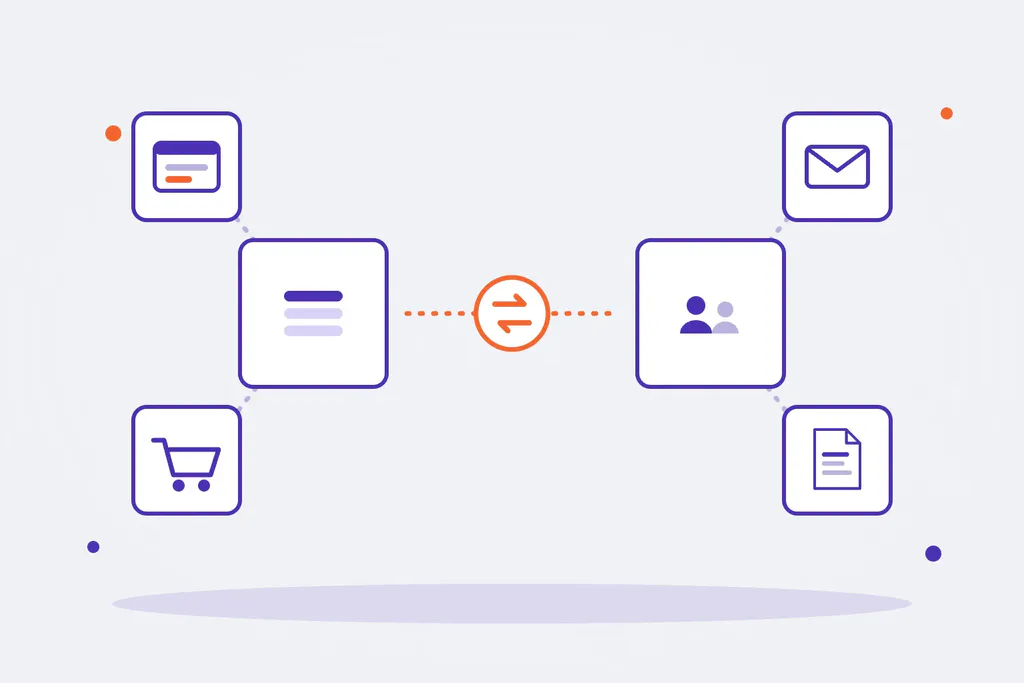
What each system does
- ERP: the administrative and operational side. Products, prices, stock, orders, invoices, payments and accounting.
- CRM: the customer relationship. Contacts, opportunities, quotes, sales activity and service.
- Website and online store: where contacts, requests and orders come in.
- Others: email marketing, logistics, product catalogue (PIM), e-signature or the ticketing tool.
Having several systems is not the problem; that is normal. The problem is when they do not talk to each other.
Which data is synchronised, and who owns it
The first decision is not technical: it is deciding which system owns each piece of data. If two systems can change the same thing, sooner or later they overwrite each other.
| Data | Usual owner | Direction |
|---|---|---|
| Contacts and opportunities | CRM | Stay in the CRM |
| Paying customers | ERP (tax details) and CRM (relationship) | The CRM creates, the ERP completes and returns the customer code |
| Accepted quote | CRM | CRM → ERP, as an order |
| Products, prices and stock | ERP | ERP → website, store and CRM |
| Online orders | Online store | Store → ERP |
| Invoices, payments and overdue accounts | ERP | ERP → CRM, so sales can see them |
| Website form contacts | Website | Website → CRM |
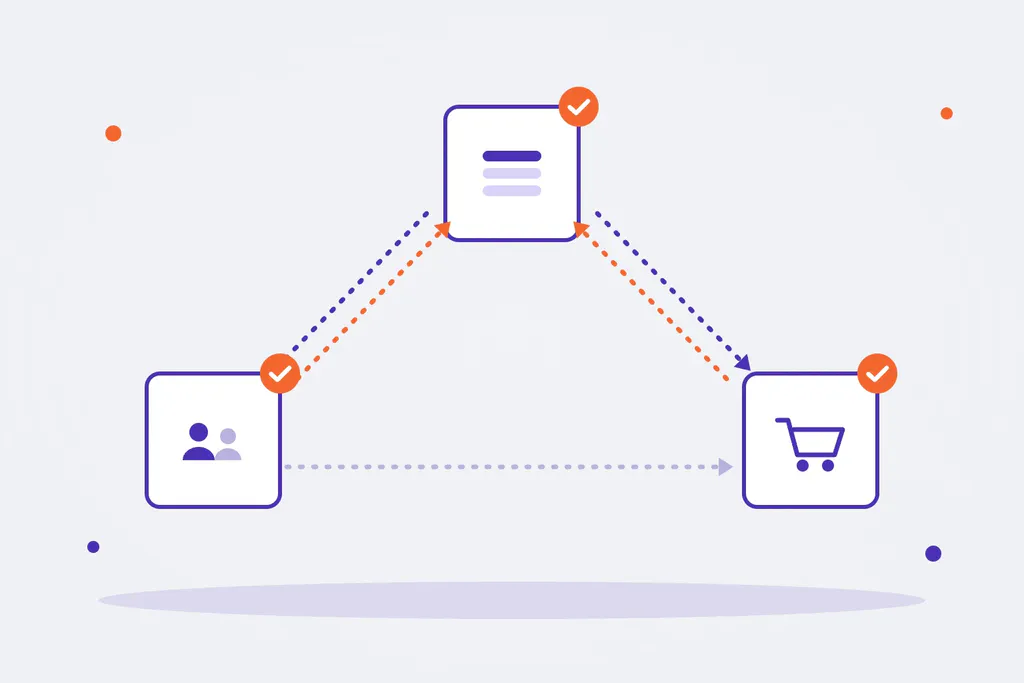
Three ways to integrate
| How it works | When it fits | The risk | |
|---|---|---|---|
| Vendor connector | An extension that links two specific products | Standard processes between two well-known tools | Falls short with your own rules and can break with every update |
| Integration platform (iPaaS) | Configurable flows between apps, like those in n8n | Several tools, simple or medium flows | One more piece to maintain and often one more licence; complex logic becomes hard to follow |
| Custom integration | Your own service that talks to each system’s API, with queues and retries | Your own processes, high volume or systems with no connector | Needs a project and a team to maintain it |
There is no single answer. Many companies combine them: a connector for the standard part and a custom integration for what is specific to the business.
What a working integration looks like
- A shared identifier. The same customer and the same product are recognised in every system, with a code that never changes.
- Incremental sync. Only what has changed travels, not the whole database every hour.
- Queues and retries. If a system does not respond for a few minutes, the data waits and is sent again; nothing is lost.
- Operations that can be repeated without duplicates. Sending the same order twice must not create two orders.
- Logs and alerts. Every sync leaves a trace, and if something fails someone finds out before the customer does.
- A test environment for each system, so problems are not discovered in production.
- Security. Credentials with the minimum permissions, personal data handled under the GDPR and logged access.
The mistakes we see most
- Integrating without deciding who owns each piece of data, and ending up with changes that overwrite each other.
- Migrating duplicates and dirty data as they are: the integration multiplies them.
- Wanting everything in real time. Stock, perhaps; product descriptions, no.
- Forgetting the edge cases: returns, partial orders, customers who change their legal name.
- Leaving the integration without maintenance: every update to the ERP, the CRM or the store has to be tested.
The steps of an integration project
- Process and data map: what moves from one system to another, who owns each piece of data, in which direction and how often.
- API review and test environments for each system.
- Data clean-up: duplicates, codes that do not match, empty fields.
- Design: connector, integration platform or custom development, queues, errors and alerts.
- Development and testing with real data, edge cases included.
- Go-live with a monitoring period, then maintenance.
And then, AI
With the systems connected, AI can do much more: read orders that arrive by email and put them into the ERP, prepare quotes with real prices or answer questions with the customer’s data. Without integration, AI only sees part of the picture. We explain it in our guide on what an AI integrator does.
Integrations with Omitsis
We integrate websites, online stores and apps with the ERP, the CRM and the rest of a company’s tools. We have connected Magento stores with Microsoft Dynamics, SAP and Odoo, as we explain in our guide to Magento ERP integration, and we build custom integration services with Node.js or Symfony. See how we work in web development and e-commerce.
If your systems do not talk to each other, or your current integration causes problems, tell us about your case.