
Many sites built with Drupal 7 lost support in January 2025, and their owners have to decide where to go next. One of the options most often on the table is moving to WordPress: it is simpler to edit, more people know it and, for a content site, it is usually enough.
It is not always the best way out, though. We work with both Drupal and WordPress, and this guide explains when it makes sense to migrate from one to the other, what gets migrated and what has to be rebuilt, and how to do it without losing your Google rankings.
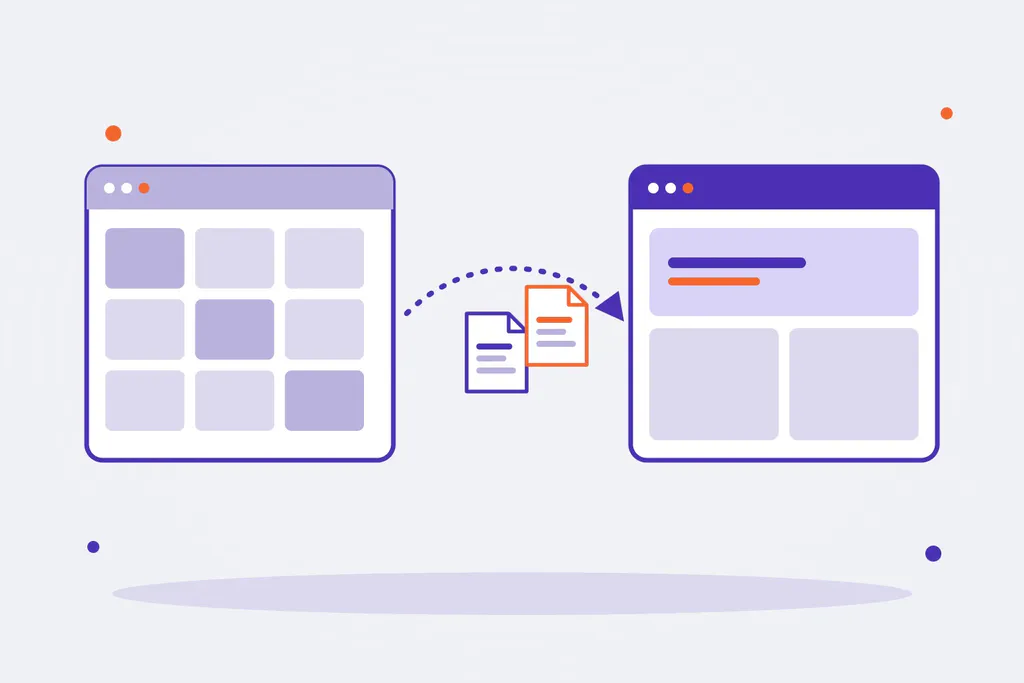
When moving from Drupal to WordPress makes sense
| Your site | The sensible choice |
|---|---|
| Mostly pages, news and a blog, edited by a few people | WordPress usually fits well and simplifies day-to-day work |
| Many related content types, role-based permissions and approval workflows | Better to stay on Drupal and upgrade to Drupal 10 or 11 |
| Several languages with translations managed by different teams | Both can do it; on large sites Drupal does it out of the box and with more control |
| Integrations with an ERP, CRM or internal systems | It depends on the integration; in Drupal they are usually custom modules that would need rebuilding |
| Unsupported Drupal 7 and a redesign on the way | A good time to decide: both migrations mean rebuilding the theme |
If you are torn between the two, we go into more detail in Drupal vs WordPress. And if the answer is to stay on Drupal, the way forward is a Drupal 7 to Drupal 10 or 11 migration.
What gets migrated and what gets rebuilt
A migration is not copying the site: it is moving the content into a different structure. This is the usual mapping:
| In Drupal | In WordPress |
|---|---|
| Content types and their fields | Custom post types and fields (for example, with ACF) |
| Taxonomies and terms | Taxonomies (categories, tags or custom ones) |
| Users and roles | Users and roles, reviewing permissions |
Files in sites/default/files | Media library, wp-content/uploads |
| URL aliases (Pathauto) | Permalinks, with redirects wherever they change |
| Metatags (Metatag module) | Titles and descriptions in the SEO plugin (Yoast, Rank Math) |
| Translations (i18n) | WPML or Polylang |
| Views, blocks and custom modules | Rebuilt: templates, blocks or a custom plugin |
| Webforms | A forms plugin, rebuilding each form |
Content can be migrated automatically. Logic cannot: views, blocks with conditions and custom modules have to be rebuilt in WordPress, and that is where most of the work lies.
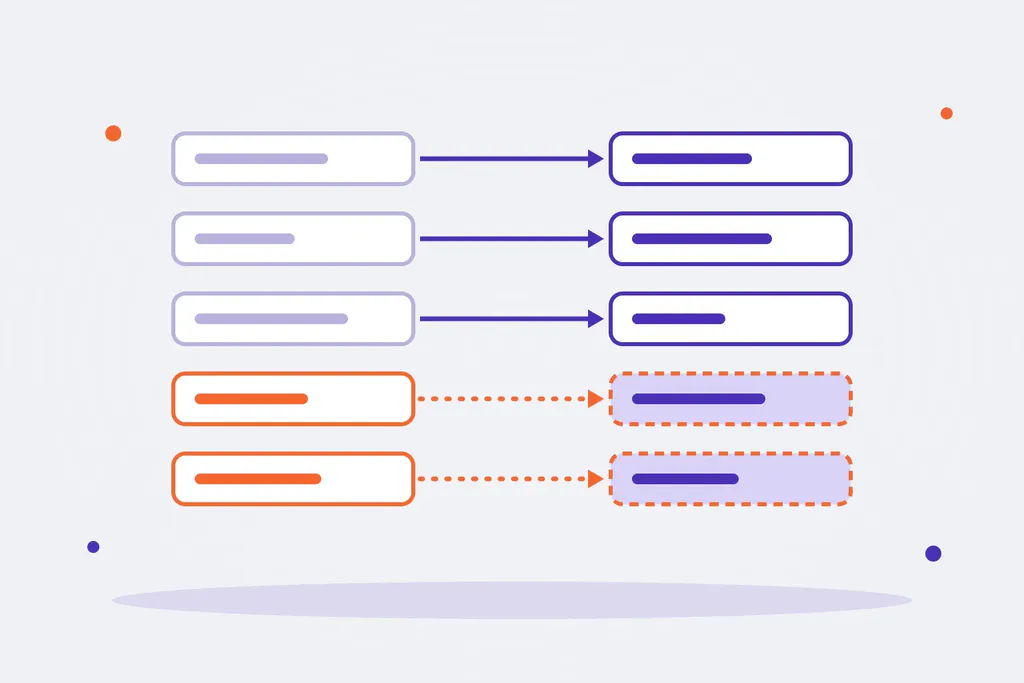
How the migration is done
- With a migration plugin. Some plugins read the Drupal database and create the posts, pages, categories, users and images in WordPress. For a simple content site they are the fastest route; the paid versions add fields, custom content types and translations.
- With exports and an importer. Content is exported from Drupal to CSV or XML and imported field by field with a WordPress import tool. It gives more control over the target structure.
- With a custom script. For large sites or complex structures, a script that reads Drupal and writes to WordPress (for example, with WP-CLI) lets you repeat the migration as many times as needed, transform content along the way and avoid depending on a plugin.
In all three cases, the key is being able to repeat the migration: run a first pass, review it, fix the mapping and run it again until the result is right. The final pass is done with content frozen for a few days.
Two details that are often forgotten:
- Passwords. Drupal and WordPress store passwords differently. Either users are asked to create a new one or you use an add-on that accepts the old password on first login.
- Links inside the content. Body text links to
node/123and to files insites/default/files, and those links have to be rewritten to the new URLs.
Keeping your rankings
Changing CMS is one of the moments when a site loses the most traffic, almost always because of URLs. What to do:
- A URL inventory before you start: the ones in the sitemap, in Search Console and those that get visits according to analytics.
- Keep URLs whenever possible. If Drupal’s aliases can be reproduced in WordPress, all the better.
- 301 redirects from every URL that changes to its new address, one by one. Never all of them to the home page.
- Titles and descriptions: migrate the ones from the Metatag module into the SEO plugin rather than letting them be generated.
- After launch: submit the new sitemap to Search Console and keep an eye on 404 errors and excluded pages for the first few weeks.
The steps of a migration project
- Analysis: content types, volume, languages, modules and integrations, and the Drupal or WordPress decision.
- Content model in WordPress: post types, fields and taxonomies.
- Theme and features: design, templates and whatever needs rebuilding.
- Test migrations until the content comes out right.
- Redirect map and SEO review.
- Final migration with content frozen, launch and follow-up.
Your migration, with Omitsis
We build with both Drupal and WordPress, and we help you decide with your site in front of us: sometimes the best way out is WordPress and sometimes it is upgrading Drupal. If you have a Drupal 7 site or are thinking of switching, tell us about your case. You can see how we work on our WordPress, Drupal and web development pages.